TradingDiary Pro Features
TradingDiary Pro is a trading journal and performance analysis application for stocks, options, futures, futures options, warrants, forex, CFDs and bonds. It imports your trades from 30+ brokers, builds positions automatically, groups option legs into strategies, and turns the result into journal, risk, performance, net asset value and tax reports. It runs as a Windows desktop application with your data stored locally, and as a web version in beta. Since version 26.2 AI assistants such as Claude can query your diary through the built-in MCP server.
Import / Data input
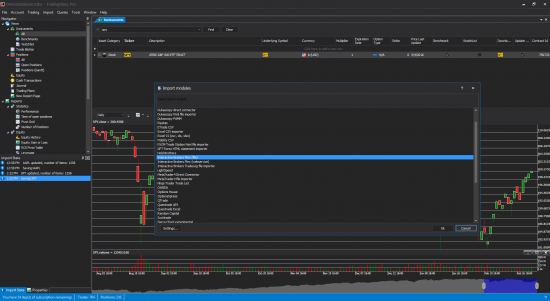
- One-click automated import for several brokerage firms
- Lot of semi-automated importers via excel or csv files
- Manual data input
Import modules
Trading with Interactive Brokers? See how the automatic Flex import, option strategy grouping and NAV import work on the Interactive Brokers trading journal page.
As you can see in the Screenshots section TradingDiary Pro has bulk import functionality. The following table shows the supported brokers.
| Online broker | Trades | Current net asset value | Net asset value history | Cash transactions | Orders (stops and targets) | Last price information |
|---|---|---|---|---|---|---|
| Advantage Futures | yes | no | no | no | no | no |
| Ally | yes | no | no | yes | no | no |
| Apex Clearing | yes | no | no | yes | no | no |
| Bell Direct | yes | no | no | no | no | no |
| Cap Trader (via Interactive Brokers import module) | yes | yes | yes | yes | no | yes |
| Charles Schwab | yes | no | no | yes | no | no |
| Commonwealth Securities | yes | no | no | no | no | yes |
| Degiro | yes | no | no | no | no | no |
| ETrade | yes | no | no | yes | no | no |
| Fidelity | yes | no | no | yes | no | no |
| FXCM | yes | yes | no | yes | yes | yes |
| GFT Forex | yes | no | no | no | yes | no |
| Interactive Brokers | yes | yes | yes | yes | no | yes |
| KBC Equitas | yes | no | no | no | no | no |
| MetaTrader4 | yes | yes | no | yes | yes | yes |
| NinjaTrader | yes | no | no | no | no | no |
| OANDA | yes | yes | no | yes | yes | yes |
| Rithmic | yes | no | no | no | no | no |
| Scotia iTrade | yes | no | no | no | no | no |
| Scottrade | yes | no | no | yes | no | no |
| Sierra Charts | yes | no | no | no | no | no |
| Stage5Trading | yes | no | no | no | no | no |
| Tastyworks | yes | no | no | no | no | no |
| Thinkorswim | yes | yes | no | no | yes | no |
| TD Ameritrade | yes | yes | no | no | yes | no |
| Trade Monster | yes | no | no | no | no | no |
| TradeStation | yes | no | no | no | no | no |
| QTrade | yes | no | no | no | no | no |
| Questrade | yes | yes | no | yes | yes | yes |
| WH Selfinvest | yes | no | no | yes | no | no |
| Zaner/Infinity Futures | yes | no | no | no | no | no |
| Excel CSV | yes | no | yes | yes | no | no |
AI assistants (MCP server)
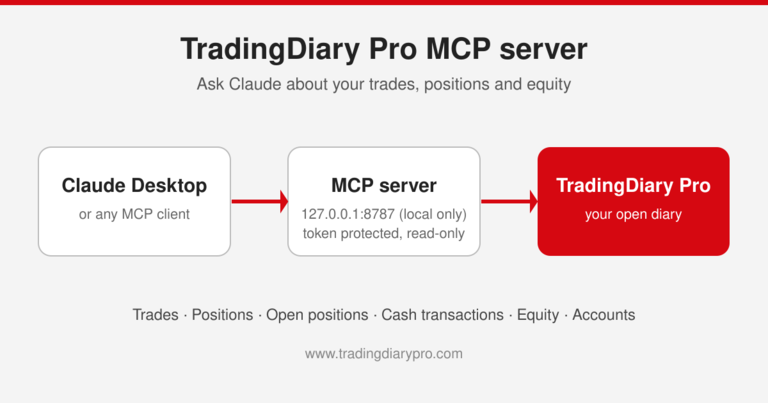
- Built-in MCP (Model Context Protocol) server from version 26.2
- Works with Claude Desktop, Claude Code and other MCP clients
- Ask questions in plain English, answered from your own accounts, trades, positions, open positions, cash transactions and equity
- Read-only, local-only and token protected – the AI assistant only receives the data needed to answer your question
Web version (beta)
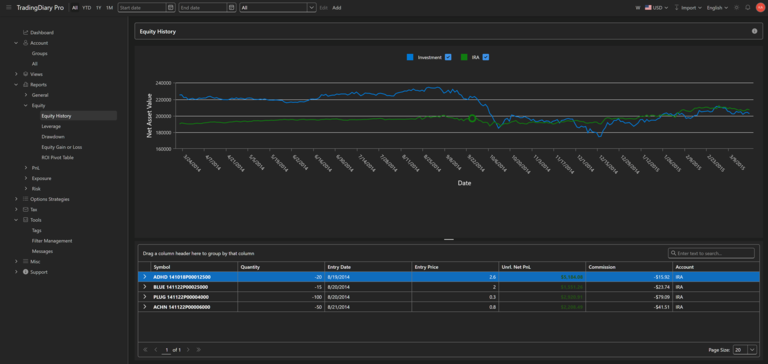
- Runs in any modern browser on Windows, macOS and Linux – nothing to install
- Interactive Brokers Flex (XML) statement import; more import modules are being ported
- Automatic options strategy recognition, multi-currency support, tags and journal notes
- Five report groups including equity history, drawdown, PnL and tax reports
- Free during the beta at tradingdiarypro.app
Trading Journal
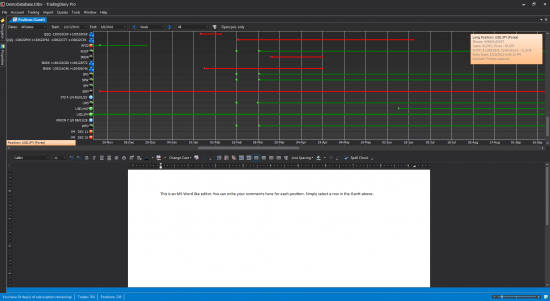
- Each position has an attached word like document
- Master journal for non-trade related notes
- Combined journal of positions
Trade/Position accounting
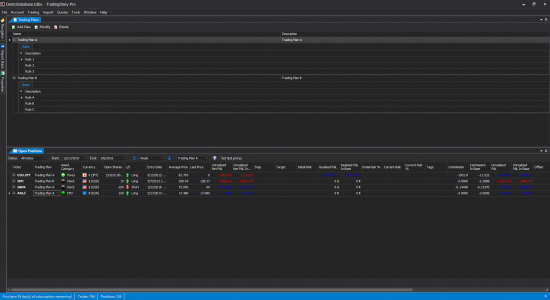
- Supports multiple accounts
- Supports multiple portfolios via virtual accounts and custom allocation of real trades to a portfolio
- Multi-currency support. Handling trades in foreign currency with conversion rate. The software calculates the PnL in base and in the trade currency
- Generation of Net Asset Value (Total Equity) based on the positions and historical data
- Storing data for cash transactions (broker and data provider fees, dividend, interest paid and received)
- Adding modifiers(dividend, payment in lieu of dividend, interest etc.) to positions for better view of real profit or loss
Tags
- Tag your trades with as many tag as you want
- Filter for tags to drill down the performance of each strategy
- Maintain existing tags with deleting or renaming one
Historical Data download modules
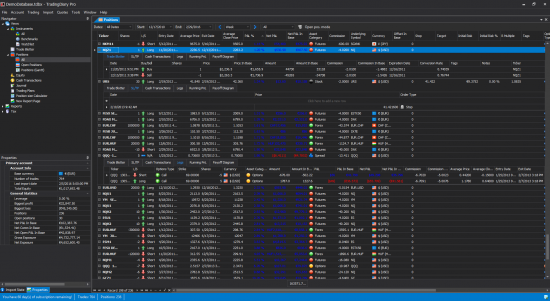
- Interactive Brokers
- MetaTrader 4
- FXCM API based
- OANDA
- Questrade
- Yahoo finance
Price charts
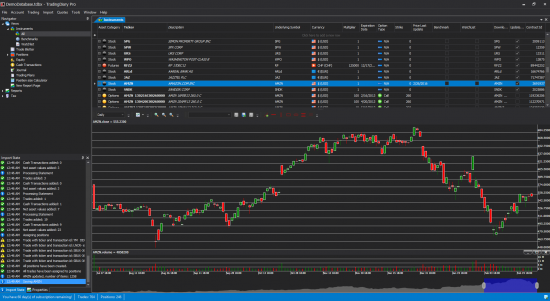
- Fully featured stock chart module
- More than 100 indicators and chart studies
- Plot trades on chart
Filter positions and generate reports by
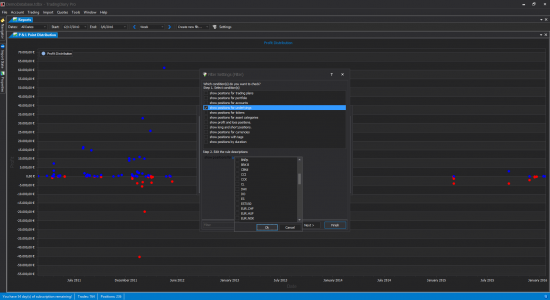
- Tags
- Trading Plans
- Accounts
- Portfolios
- Underlying symbol
- Ticker
- Long or Short
- Asset Categories
- Profit or Loss
- Currencies
- Duration
Post modern portfolio theory risk metrics
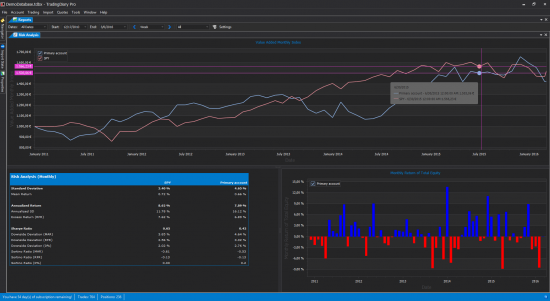
- Sharpe ratio
- Sortino ratio
- Compare your account, portfolio to benchmarks
- Value added weekly and monthly index
- Standard deviation
- Annualized return
- Excess return
- Downside deviation
- All metrics can be annualized weekly, monthly and yearly based on the given risk free rate and minimum acceptable return
Stop and target based risk metrics
- Initial risk
- Initial risk percent to total equity
- Current risk
- Current risk percent to total equity
- Risk / Reward
- Calculating average risk
- Calculating average risk percent to total equity
Performance management
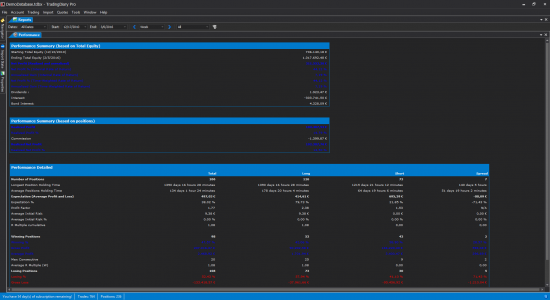
- Calculating Internal rate of return
- Calculating Time weighted rate of return
- Winning and losing positions
- Winning and losing percentage
- Average profit and loss
- Gross profit and loss
- Max consecutive wins and losses
- Expectation
- Expectation %
- Profit Factor
- Average R Multiple
Net asset value (Total Equity) based reports
- Equity curve
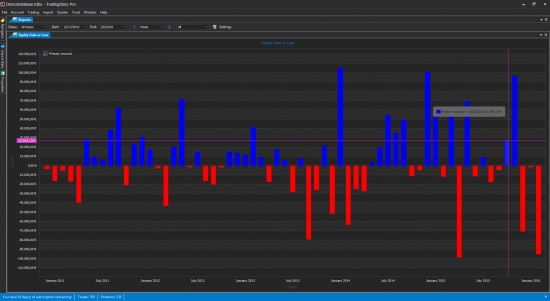
- Equity gain or loss in daily, weekly, monthly, quarterly and yearly resolution
- ROI (return on investment) Pivot Grid
- Leverage. Calculating leverage based on net asset value and the total amount of positions
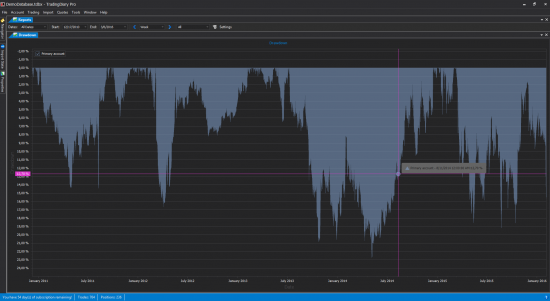
- Drawdown
PnL reports based on closed positions
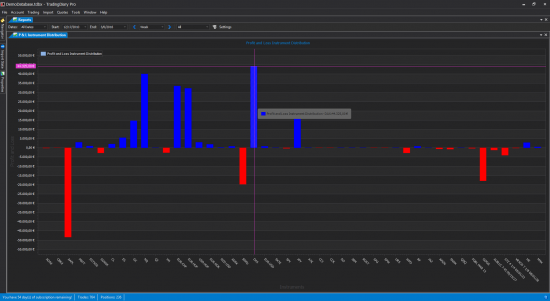
- Cumulative in daily, weekly, monthly, quarterly and yearly resolution
- Distribution
- Time distribution
- Instrument distribution
- Point distribution
Options strategy handling
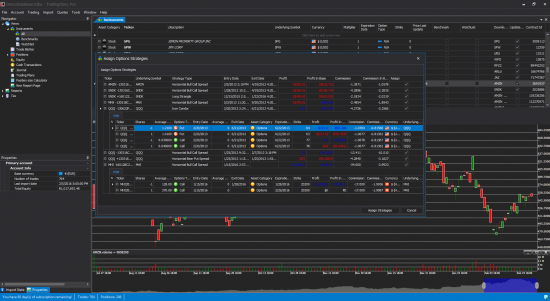
- Recognizing more than 25 options strategies like all vertical, horizontal and diagonal spreads, Condors, Straddles, Strangles, Collar, Covered Call and Covered Put
- Option legs grouped automatically into strategies on import, with a combined PnL
- Manual assignment, breaking up spreads, adjustments and rolls
- Custom strategy support
- Futures options handling
Tax Reports
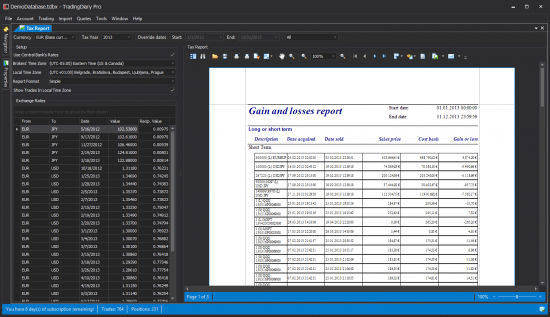
- Capital gains report
- Country-specific tax reports for the United States, Germany, Canada and Australia
- Tax algorithm selector to match the calculation method of your jurisdiction (from version 26.1)
- Support non-base currency tax report
- Downloading exchange rates from Central Banks based for proper handling of non-base currency trades. Currently AUD, CAD, EUR, HUF and PLN are the supported currencies.
- Dividend report
Position Sizer
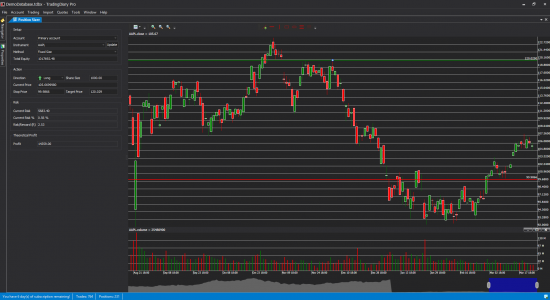
- Chart based position sizer
- Drag and drop stop and target lines
- Calculates Current Risk, Current Risk %, Risk Reward and theoretical profit
- Three different position sizing methods: Fixed size, Fixed amount and Percent of risk